How to build intelligent search: From full-text to optimized hybrid search

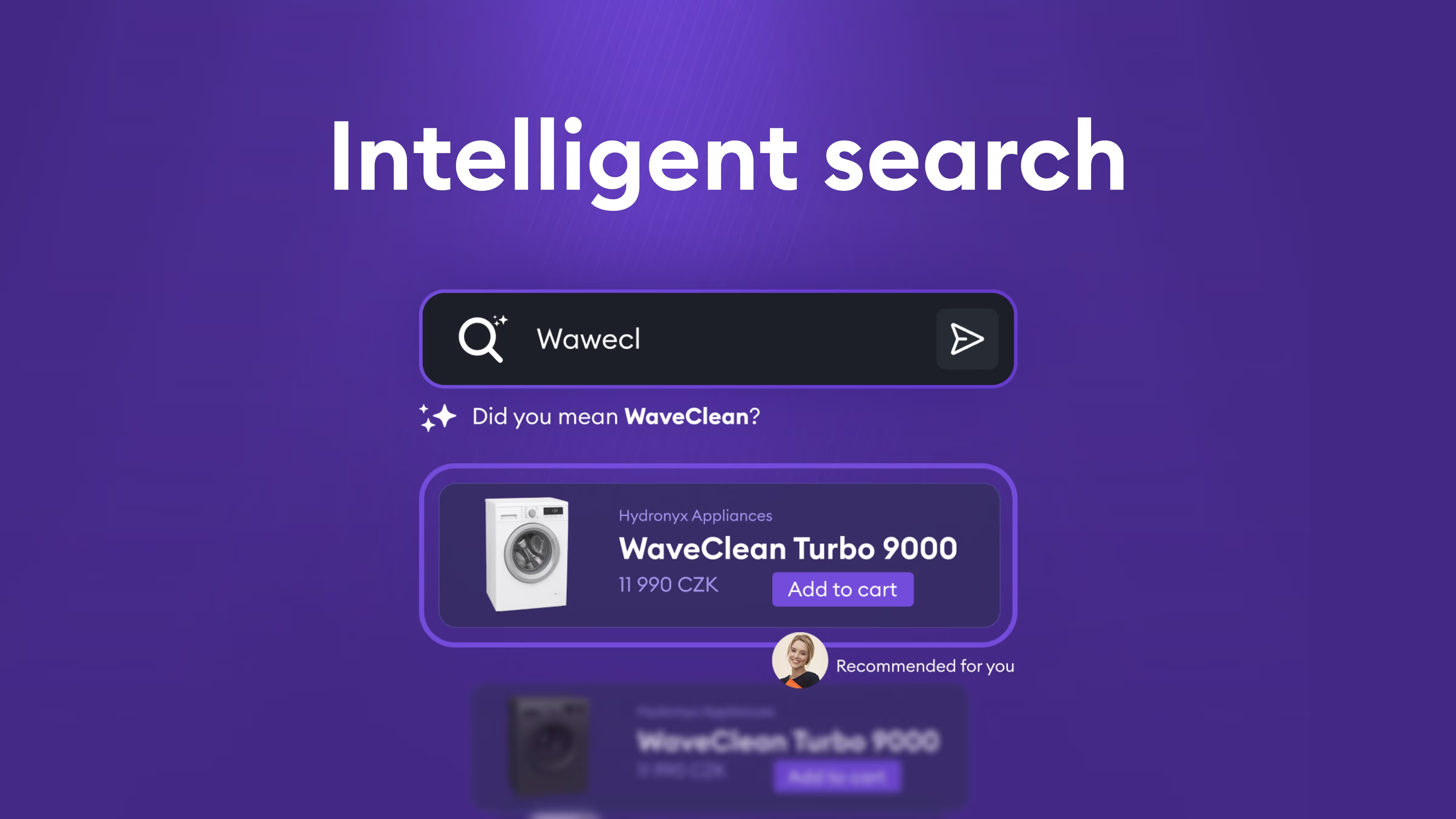
When we began building an advanced search system, we quickly discovered that traditional full-text search has serious limits. Users type shortcuts, make typos, or use synonyms that classic search won’t recognize. We also need the system to search not only entity names but their descriptions and related information. And more—people often search by context, sometimes across languages.This article explains how we built a hybrid search system that combines full-text search (BM25) with vector embeddings, and how we used hyperparameter search to tune scoring for the best possible user results.

The problem: Limits of traditional search

Classic full-text search based on algorithms like BM25 has several fundamental constraints:

1. Typos and variants

  • Users frequently submit queries with typos or alternate spellings.
  • Traditional search expects exact or near-exact text matches.

2. Title-only searching

  • Full-text search often targets specific fields (e.g., product or entity name).
  • If relevant information lives in a description or related entities, the system may miss it.

3. Missing semantic understanding

  • The system doesn’t understand synonyms or related concepts.
  • A query for “car” won’t find “automobile” or “vehicle,” even though they are the same concept.
  • Cross-lingual search is nearly impossible—a Czech query won’t retrieve English results.

4. Contextual search

  • Users often search by context, not exact names.
  • For example, “products by manufacturer X” should return all relevant products, even if the manufacturer name isn’t explicitly in the query.

The solution: Hybrid search with embeddings

The remedy is to combine two approaches: traditional full-text search (BM25) and vector embeddings for semantic search.

Vector embeddings for semantic understanding

Vector embeddings map text into a multi-dimensional space where semantically similar meanings sit close together. This enables:

  • Meaning-based retrieval: A query like “notebook” can match “laptop,” “portable computer,” or related concepts.
  • Cross-lingual search: A Czech query can find English results if they share meaning.
  • Contextual search: The system captures relationships between entities and concepts.
  • Whole-content search: Embeddings can represent the entire document, not just the title.
Why embeddings alone are not enough

Embeddings are powerful, but not sufficient on their own:

  • Typos: Small character changes can produce very different embeddings.
  • Exact matches: Sometimes we need precise string matching, where full-text excels.
  • Performance: Vector search can be slower than optimized full-text indexes.
A hybrid approach: BM25 + HNSW

The ideal solution blends both:

  • BM25 (Best Matching 25): A classic full-text algorithm that excels at exact matches and handling typos.
  • HNSW (Hierarchical Navigable Small World): An efficient nearest-neighbor algorithm for fast vector search.

Combining them yields the best of both worlds: the precision of full-text for exact matches and the semantic understanding of embeddings for contextual queries.

The challenge: Getting the ranking right

Finding relevant candidates is only step one. Equally important is ranking them well. Users typically click the first few results; poor ordering undermines usefulness.

Why simple “Sort by” is not enough

Sorting by a single criterion (e.g., date) fails because multiple factors matter simultaneously:

  • Relevance: How well the result matches the query (from both full-text and vector signals).
  • Business value: Items with higher margin may deserve a boost.
  • Freshness: Newer items are often more relevant.
  • Popularity: Frequently chosen items may be more interesting to users
Scoring functions: Combining multiple signals

Instead of a simple sort, you need a composite scoring system that blends:

  1. Full-text score: How well BM25 matches the query.
  2. Vector distance: Semantic similarity from embeddings.
  3. Scoring functions, such as:
    • Magnitude functions for margin/popularity (higher value → higher score).
    • Freshness functions for time (newer → higher score).
    • Other business metrics as needed.

The final score is a weighted combination of these signals. The hard part is that the right weights are not obvious—you must find them experimentally.

Hyperparameter search: Finding optimal weights

Tuning weights for full-text, vector embeddings, and scoring functions is critical to result quality. We use hyperparameter search to do this systematically.

Building a test dataset

A good test set is the foundation of successful hyperparameter search. We assemble a corpus of queries where we know the ideal outcomes:

  • Reference results: For each test query, a list of expected results in the right order.
  • Annotations: Each result labeled relevant/non-relevant, optionally with priority.
  • Representative coverage: Include diverse query types (exact matches, synonyms, typos, contextual queries).
Metrics for quality evaluation

To objectively judge quality, we compare actual results to references using standard metrics:

1. Recall (completeness)

  • Do results include everything they should?
  • Are all relevant items present?

2. Ranking quality (ordering)

  • Are results in the correct order?
  • Are the most relevant results at the top?

Common metrics include NDCG (Normalized Discounted Cumulative Gain), which captures both completeness and ordering. Other useful metrics are Precision@K (how many relevant items in the top K positions) and MRR (Mean Reciprocal Rank), which measures the position of the first relevant result.

Iterative optimization

Hyperparameter search proceeds iteratively:

  1. Set initial weights: Start with sensible defaults.
  2. Test combinations: Systematically vary:
    • Field weights for full-text (e.g., product title vs. description).
    • Weights for vector fields (embeddings from different document parts).
    • Boosts for scoring functions (margin, recency, popularity).
    • Aggregation functions (how to combine scoring functions).
  3. Evaluate: Run the test dataset for each combination and compute metrics.
  4. Select the best: Choose the parameter set with the strongest metrics.
  5. Refine: Narrow around the best region and repeat as needed.

This can be time-consuming, but it’s essential for optimal results. Automation lets you test hundreds or thousands of combinations to find the best.

Monitoring and continuous improvement

Even after tuning, ongoing monitoring and iteration are crucial.

Tracking user behavior

A key signal is whether users click the results they’re shown. If they skip the first result and click the third or fourth, your ranking likely needs work.

Track:

  • CTR (Click-through rate): How often users click.
  • Click position: Which rank gets the click (ideally the top results).
  • No-click queries: Queries with zero clicks may indicate poor results.
Analyzing problem cases

When you find queries where users avoid the top results:

  1. Log these cases: Save the query, returned results, and the clicked position.
  2. Diagnose: Why did the system rank poorly? Missing relevant items? Wrong ordering?
  3. Augment the test set: Add these cases to your evaluation corpus.
  4. Adjust weights/rules: Update weights or introduce new heuristics as needed.

This iterative loop ensures the system keeps improving and adapts to real user behavior.

Implementing on Azure: AI search and OpenAI embeddings

All of the above can be implemented effectively with Microsoft Azure.

Azure AI Search

Azure AI Search (formerly Azure Cognitive Search) provides:

  • Hybrid search: Native support for combining full-text (BM25) and vector search.
  • HNSW indexes: An efficient HNSW implementation for vector retrieval.
  • Scoring profiles: A flexible framework for custom scoring functions.
  • Text weights: Per-field weighting for full-text.
  • Vector weights: Per-field weighting for vector embeddings.

Scoring profiles can combine:

  • Magnitude scoring for numeric values (margin, popularity).
  • Freshness scoring for temporal values (created/updated dates).
  • Text weights for full-text fields.
  • Vector weights for embedding fields.
  • Aggregation functions to blend multiple scoring signals.
OpenAI embeddings

For embeddings, we use OpenAI models such as text-embedding-3-large:

  • High-quality embeddings: Strong multilingual performance, including Czech.
  • Consistent API: Straightforward integration with Azure AI Search.
  • Scalability: Handles high request volumes.

Multilingual capability makes these embeddings particularly suitable for Czech and other smaller languages.

Integration

Azure AI Search can directly use OpenAI embeddings as a vectorizer, simplifying integration. Define vector fields in the index that automatically use OpenAI to generate embeddings during document indexing.

Conclusion

Delivering a high-quality search experience requires more than basic full-text. A hybrid of BM25 and vector embeddings (via HNSW) produces superior results, but getting the weights and scoring right is critical.

Hyperparameter search with a solid test dataset is essential to discover optimal parameters. Continuous monitoring of user behavior and iterative improvement ensure the system stays effective as needs evolve.

With Azure AI Search and OpenAI Embeddings, you have all the components needed to implement such a system—including robust support for Czech and other languages. The key is a systematic approach to optimization and a commitment to learning from data and real user behavior.

Dive into similar articles

The latest industry news, interviews, technologies, and resources.

AI
0
min
read

EU AI Act: What It is, who It applies to, and how we can help your company comply stress-free

In 2024, the so-called AI Act came into effect, becoming the first comprehensive European Union law regulating the use and development of artificial intelligence. Which companies does it affect, how can you avoid draconian fines, and how does it work if you want someone else, like BigHub, to handle all the compliance concerns for you? The development of artificial intelligence has accelerated so rapidly in recent years that legislation must respond just as quickly. At BigHub, we believe this is a step in the right direction.
What the AI Act is and why it was introduced

The AI Act is the first EU-wide law that sets rules for the development and use of artificial intelligence. The rationale behind this legislation is clear: only with clear rules can AI be safe, transparent, and ethical for both companies and their customers.

Artificial intelligence is increasingly penetrating all areas of life and business, so the EU aims to ensure that its use and development are responsible and free from misuse, discrimination, or other negative impacts. The AI Act is designed to protect consumers, promote fair competition, and establish uniform rules across all EU member states.

Who the AI act applies to

The devil is often in the details, and the AI Act is no exception. This legislation affects not only companies that develop AI but also those that use it in their products, services, or internal processes. Typically, companies that must comply with the AI Act include those that:

  • Develope AI

  • Use AI for decision-making about people, such as recruitment or employee performance evaluation

  • Automate customer services, for example, chatbots or voice assistants

  • Process sensitive data using AI

  • Integrate AI into products and services

  • Operate third-party AI systems, such as implementing pre-built AI solutions from external providers

The AI Act distinguishes between standard software and AI systems, so it is always important to determine whether a solution operates autonomously and adaptively, meaning it learns from data and optimizes its results, or merely executes predefined instructions, which does not meet the definition of an AI solution.

Importantly, the legislation applies not only to new AI applications but also to existing ones, including machine learning systems.

To save you from spending dozens of hours worrying whether your company fully complies, BigHub is ready to handle AI Act implementation for you.

What the AI Act regulates

The AI Act defines many detailed requirements, but for businesses using AI, the key areas to understand include:

1. Risk classification

The legislation categorizes AI systems by risk level, from minimal risk to high risk, and even banned applications.

2. Obligations for developers and operators

This includes compliance with safety standards, regular documentation, and ensuring strict oversight.

3. Transparency and explainability

Users of AI tools must be aware they are interacting with artificial intelligence.

4. Prohibited AI applications

For example, systems that manipulate human behavior or intentionally discriminate against specific groups.

5. Monitoring and incident reporting

Companies must report adverse events or malfunctions of AI systems.

6. Processing sensitive data

The AI Act regulates the use of personal, biometric, or health data of anyone interacting with AI tools.

Avoid massive fines

Penalties for non-compliance with the AI Act are high, potentially reaching up to 7% of a company’s global revenue, which can amount to millions of euros for some businesses. 

This makes it crucial to implement the new AI regulations promptly in all areas where AI is used.

Let us handle AI Act compliance for you

Don’t have dozens of hours to study complex laws and don’t want to risk huge fines? Why not let BigHub manage AI Act compliance for your company? We help clients worldwide implement best practices and frameworks, accelerate innovation, and optimize processes, and we are ready to do the same for you.

We offer turnkey AI solutions, including integrating AI Act compliance. Our process includes:

  • Creating internal AI usage policies for your company

  • Auditing the AI applications you currently use

  • Ensuring existing and newly implemented AI applications comply with the AI Act

  • Assessing risks so you know which AI systems you can safely use

  • Mapping your current situation and helping with necessary documentation and process obligations

AI
0
min
read

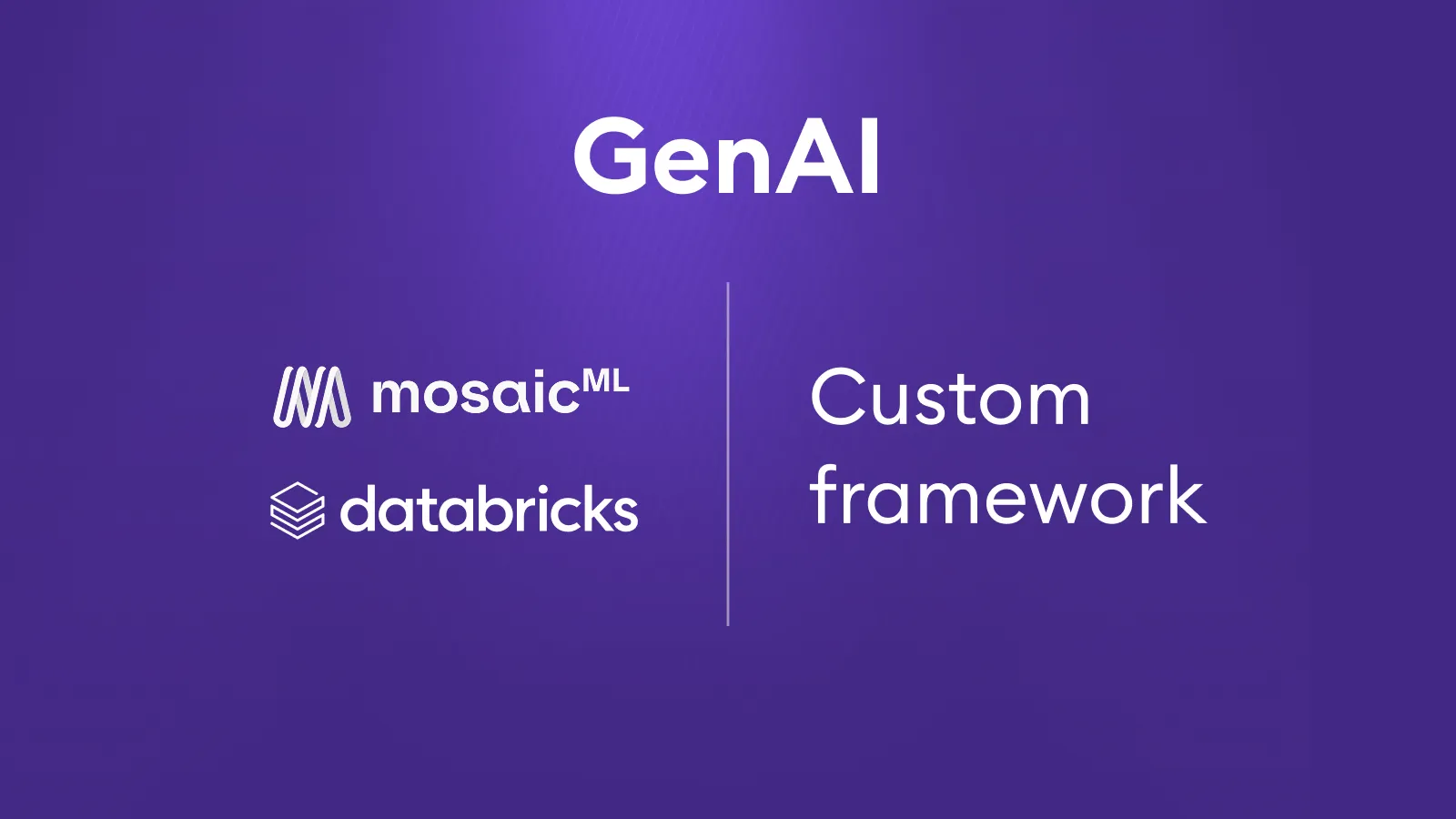
Databricks Mosaic vs. Custom frameworks: Choosing the right path for genAI

Generative AI today comes in many forms – from proprietary APIs and frameworks (such as Microsoft’s Response API or Agent AI Service), through open-source frameworks, to integrated capabilities directly within data platforms. One option is Databricks Mosaic, which provides a straightforward way to build initial GenAI applications directly on top of an existing Databricks data platform. At BigHub, we work with Databricks on a daily basis and have hands-on experience with Mosaic as well. We know where this technology delivers value and where it begins to show limitations. In some cases, we’ve even seen clients push Databricks Mosaic as the default choice, only to face unnecessary trade-offs in quality and flexibility. Our role is to help clients make the right call: when Mosaic is worth adopting, and when a more flexible custom framework is the smarter option.
Why Companies Choose Databricks Mosaic

For organizations that already use Databricks as their data platform, it is natural to also consider Mosaic. Staying within a single ecosystem brings architectural simplicity, easier management, and faster time-to-market.

Databricks Mosaic offers several clear advantages:

  • Simplicity: building internal chatbots and basic agents is quick and straightforward.
  • Governance by design: logging, lineage, and cost monitoring are built in.
  • Data integration: MCP servers and SQL functions allow agents to work directly with enterprise data.
  • Developer support: features like Genie (a Fabric Copilot competitor) and assisted debugging accelerate development.

For straightforward scenarios, such as internal assistants working over corporate data, Databricks Mosaic is fast and effective. We’ve successfully deployed Mosaic for a large manufacturing company and a major retailer, where the need was simply to query and retrieve data.

Where Databricks Mosaic Falls Short

More complex projects introduce very different requirements – around latency, accuracy, multi-agent logic, and integration with existing enterprise systems. Here, Databricks Mosaic quickly runs into limits:

  • Structured output: Databricks Mosaic cannot effectively enforce structured output, which impacts the quality and operational stability of various solutions (e.g., voicebots or OCR).
  • Multi-step workflows: processes such as insurance claims, underwriting, or policy issuance are either unfeasible or overly complicated within Databricks Mosaic.
  • Latency-sensitive scenarios: Databricks Mosaic adds an extra endpoint layer between user and model, which makes low-latency use cases difficult.
  • Integration outside Databricks: unless you only use Vector Search and Unity Catalog, connecting to other systems is more complex than in a Python-based custom framework.
  • Limited model catalog: only a handful of models are available. You cannot bring your own models or integrate models hosted in other clouds.

Even Databricks itself admits Mosaic isn’t intended to replace specialized frameworks. That’s true to a degree, but the overlap is real – and in advanced use cases, Mosaic’s lack of flexibility becomes a bottleneck.

Where a Custom Framework Makes Sense

A custom framework shines where projects demand complex logic, multi-agent orchestration, streaming, or low-latency execution:

  • Multiple agents: agents with different roles and skills collaborating on a single task.
  • Streaming and real-time: essential for call centers, voicebots, and fraud detection.
  • Custom logic: precisely defined workflows and multi-step processes.
  • Regulatory compliance: full transparency and auditability in line with the AI Act.
  • Flexibility: ability to use any libraries, models, and architectures without vendor lock-in.

This doesn’t mean Databricks Mosaic can’t ever be used for business-critical workloads – in some cases it can. But in applications where latency, structured output, or high precision are non-negotiable, Mosaic is not yet mature enough.

How BigHub Approaches It

From our experience, there’s no one-size-fits-all answer. Databricks Mosaic works well in some contexts, while in others a custom framework is the only viable option.

  • Manufacturing & Retail: We used Databricks Mosaic to build internal assistants that answer queries over corporate data (SQL queries). Deployment was fast, governance was embedded, and the solution fit the use case perfectly.
  • Insurance (Claims Processing): Here, Databricks Mosaic simply wasn’t sufficient. It lacked structured output, multi-agent orchestration, and voice processing. We delivered a custom framework that achieved the required accuracy, supported multi-step workflows, and met audit requirements under the AI Act.
  • Banking (Underwriting, Policy Issuance): Banking workflows often involve multiple steps and integration with core systems. Implementing these in Databricks Mosaic is overly complex. We used a custom middleware layer that orchestrates multiple agents and supports models from different clouds.
  • Call Centers & OCR: Latency-critical applications and use cases requiring structured outputs (e.g. form data extraction, voicebots) are not supported by Databricks Mosaic. These are always delivered using custom solutions.

Our role is not to push a single technology but to guide clients toward the best choice. Sometimes Databricks Mosaic is the right fit, sometimes a custom framework is the only way forward. We ensure both a quick start and long-term sustainability.

Our Recommendation
  • Databricks Mosaic: best suited for organizations already invested in Databricks that want to deploy internal assistants or basic agents with strong governance and monitoring.
  • Custom framework: the right choice when projects require complex multi-step workflows, multi-agent orchestration, structured outputs, or low latency.

At BigHub, we’ve worked extensively with both approaches. What we deliver is not just technology, but the expertise to recommend and build the right combination for each client’s unique situation.

AI
0
min
read

Why MCP might be the HTTP of the AI-first era

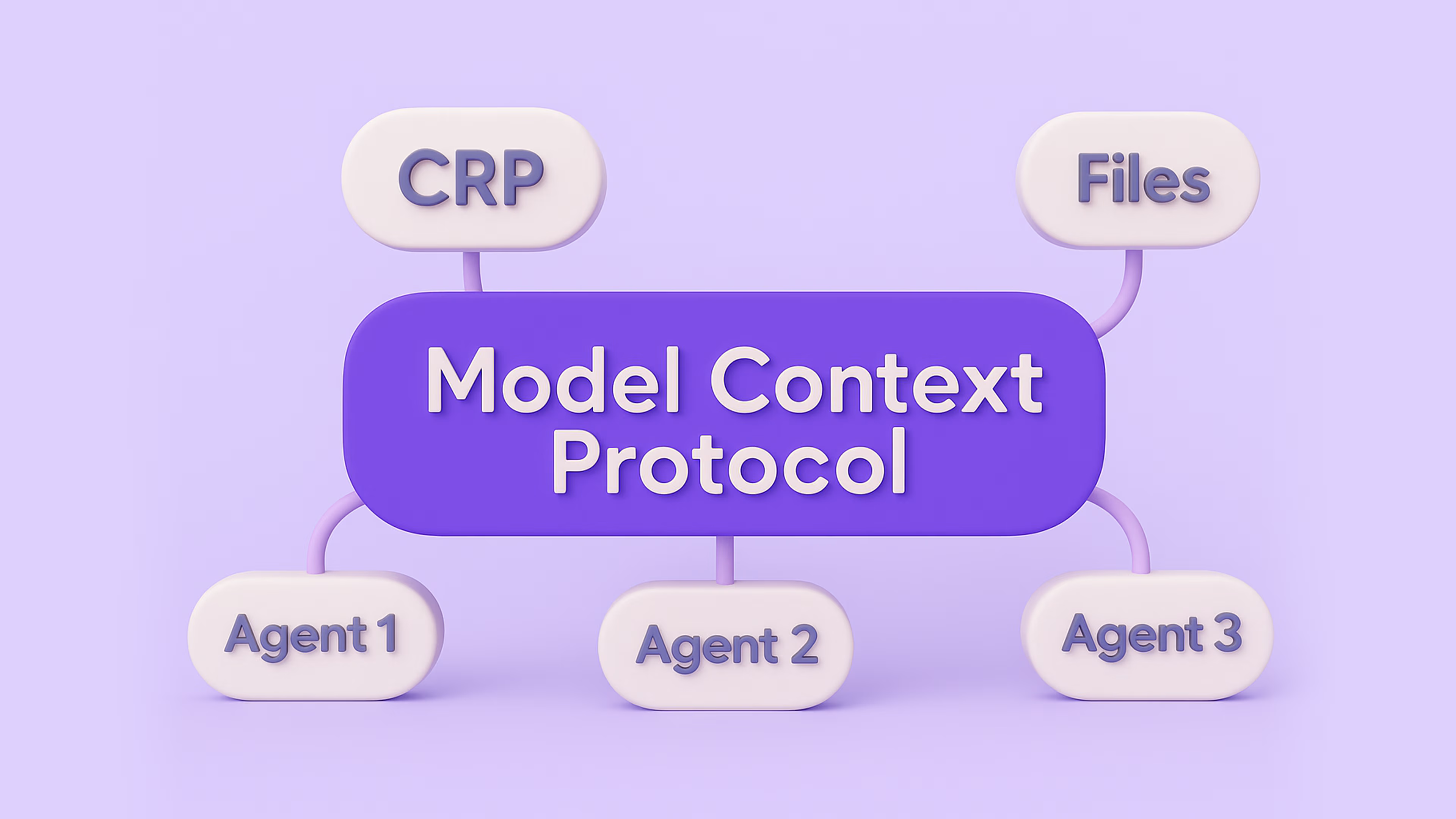
MCP (Model Context Protocol) isn’t just another technical acronym. It’s one of the first foundational steps toward a world where digital operations are not driven by people, but by intelligent systems. And while it’s currently being discussed mostly in developer circles, its long-term impact will reshape how companies communicate, sell, and operate in the digital landscape.
What Is MCP – and Why Should You Care?

Model Context Protocol may sound like something out of an academic paper or internal Big Tech documentation. But in reality, it’s a standard that enables different AI systems to seamlessly communicate—not just with each other, but also with APIs, business tools, and humans.

Today’s AI tools—whether chatbots, voice assistants, or automation bots—are typically limited to narrow tasks and single systems. MCP changes that. It allows intelligent systems to:

  • Check your e-commerce order status
  • Review your insurance contract
  • Reschedule your doctor’s appointment
  • Arrange delivery and payment


All without switching apps or platforms. And more importantly: without every company needing to build its own AI assistant. All it takes is making services and processes “MCP-accessible.”

From AI as a Tool to AI as an Interface

Until now, AI in business has mostly served as a support tool for employees—helping with search, data analysis, or faster decision-making. But MCP unlocks a new paradigm:

Instead of building AI tools for internal use, companies will expose their services to be used by external AI systems—especially those owned by customers themselves.

That means the customer is no longer forced to use the company’s interface. They can interact with your services through their own AI assistant, tailored to their preferences and context. It’s a fundamental shift. Just as the web changed how we accessed information, and mobile apps changed how we shop or travel, MCP and intelligent interfaces will redefine how people interact with companies.

The AI-First Era Is Already Here

It wasn’t long ago that people began every query with Google. Today, more and more users turn first to ChatGPT, Perplexity, or their own digital assistant. That shift is real: AI is becoming the entry point to the digital world.

“Web-first” and “mobile-first” are no longer enough. We’re entering an AI-first era—where intelligent interfaces will be the first layer that handles requests, questions, and decisions. Companies must be ready for that.

What This Means for Companies
1. No More Need to Build Your Own Chatbot

Companies spend significant resources building custom chatbots, voice systems, and interfaces. These tools are expensive to maintain and hard to scale.

With MCP, the user shows up with their own AI system and expects only one thing: structured access to your services and information. No need to worry about UX, training models, or customer flows—just expose what you do best.

2. Traditional Call Centers Become Obsolete

Instead of calling your support line, a customer can query their AI assistant, which connects directly to your systems, gathers answers, or executes tasks.

No queues. No wait times. No pressure on your staffing model. Operations move into a seamless, automated ecosystem.

3. New Business Models and Brand Trust

Because users will bring their own trusted digital interface, companies no longer carry the burden of poor chatbot experiences. And thanks to MCP’s built-in structure for access control and transparency, businesses can decide who sees what, when, and how—while building trust and reducing risks.

What This Means for Everyday Users
  • One interface for everything
  • No more juggling dozens of logins, websites, or apps. One assistant does it all.
  • True autonomy
  • Your digital assistant can order products, compare options, request refunds, or manage appointments—no manual effort required.
  • Smarter, faster decisions
  • The system knows your preferences, history, and goals—and makes intelligent recommendations tailored to you.

Practical example:

You ask your AI to generate a recipe, check your pantry, compare prices across online grocers, pick the cheapest options, and schedule delivery—all in one go, no clicking required.

The Underrated Challenge: Data

For this to work, users will need to give their AI systems access to personal data. And companies will need to open up parts of their systems to the outside world. That’s where trust, governance, and security become mission-critical. MCP provides a standardized framework for managing access, ensuring safety, and scaling cooperation between systems—without replicating sensitive data or creating silos.

Get your first consultation free

Want to discuss the details with us? Fill out the short form below. We’ll get in touch shortly to schedule your free, no-obligation consultation.

Trusted by 100 + businesses
Thank you! Your submission has been received.
Oops! Something went wrong.